
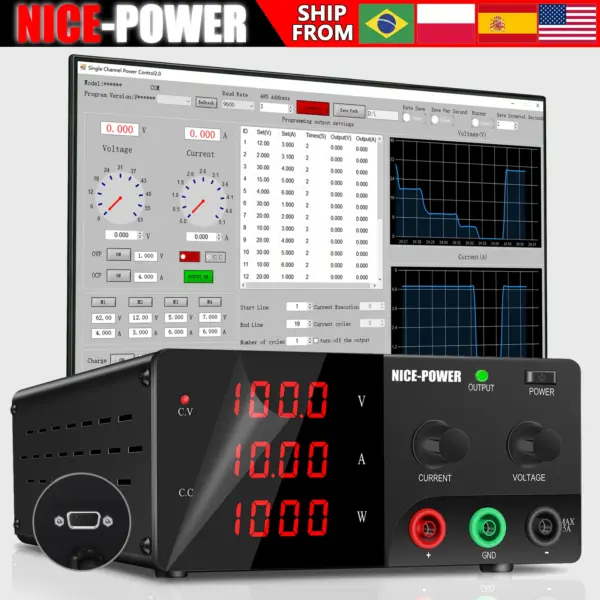
Description
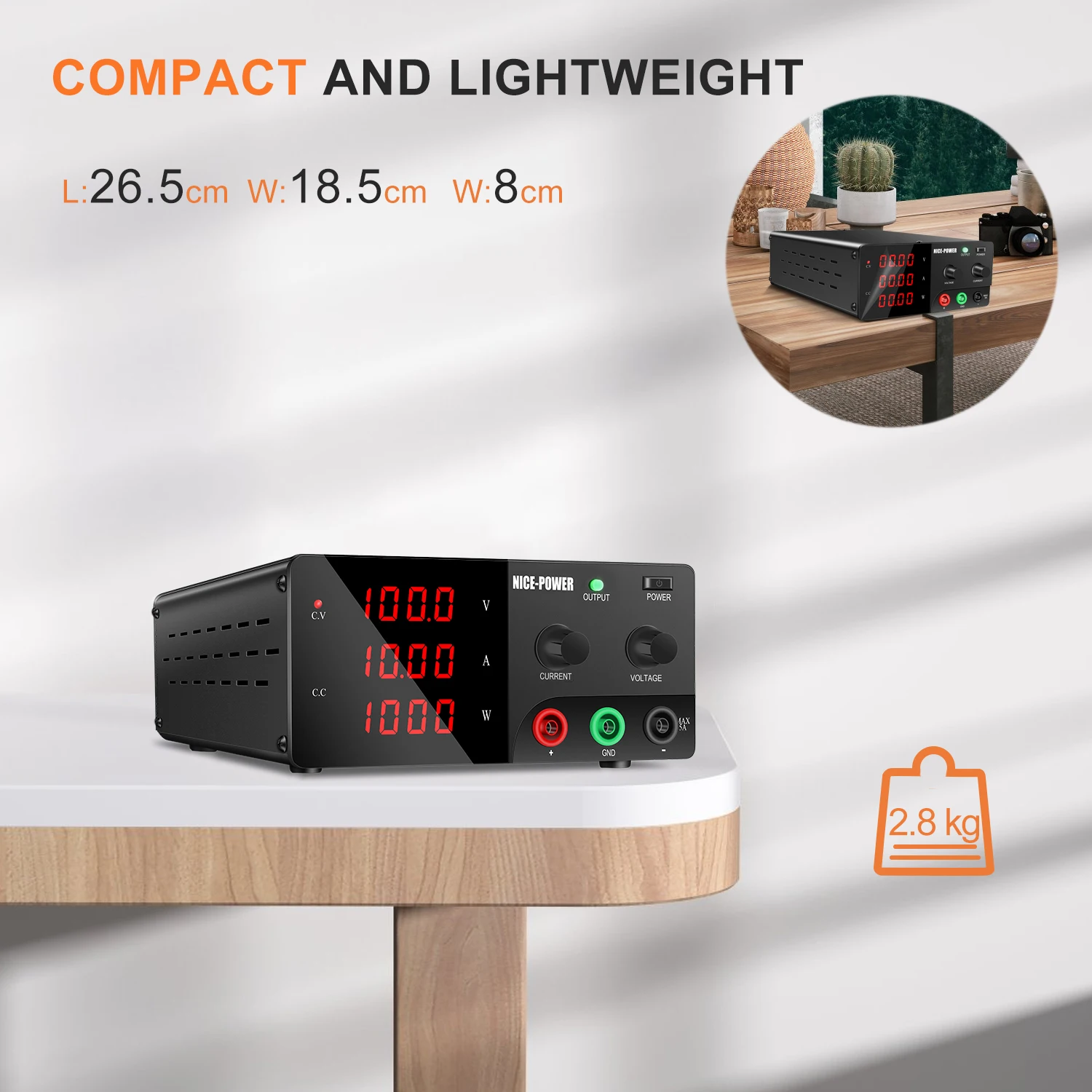
Product Features:
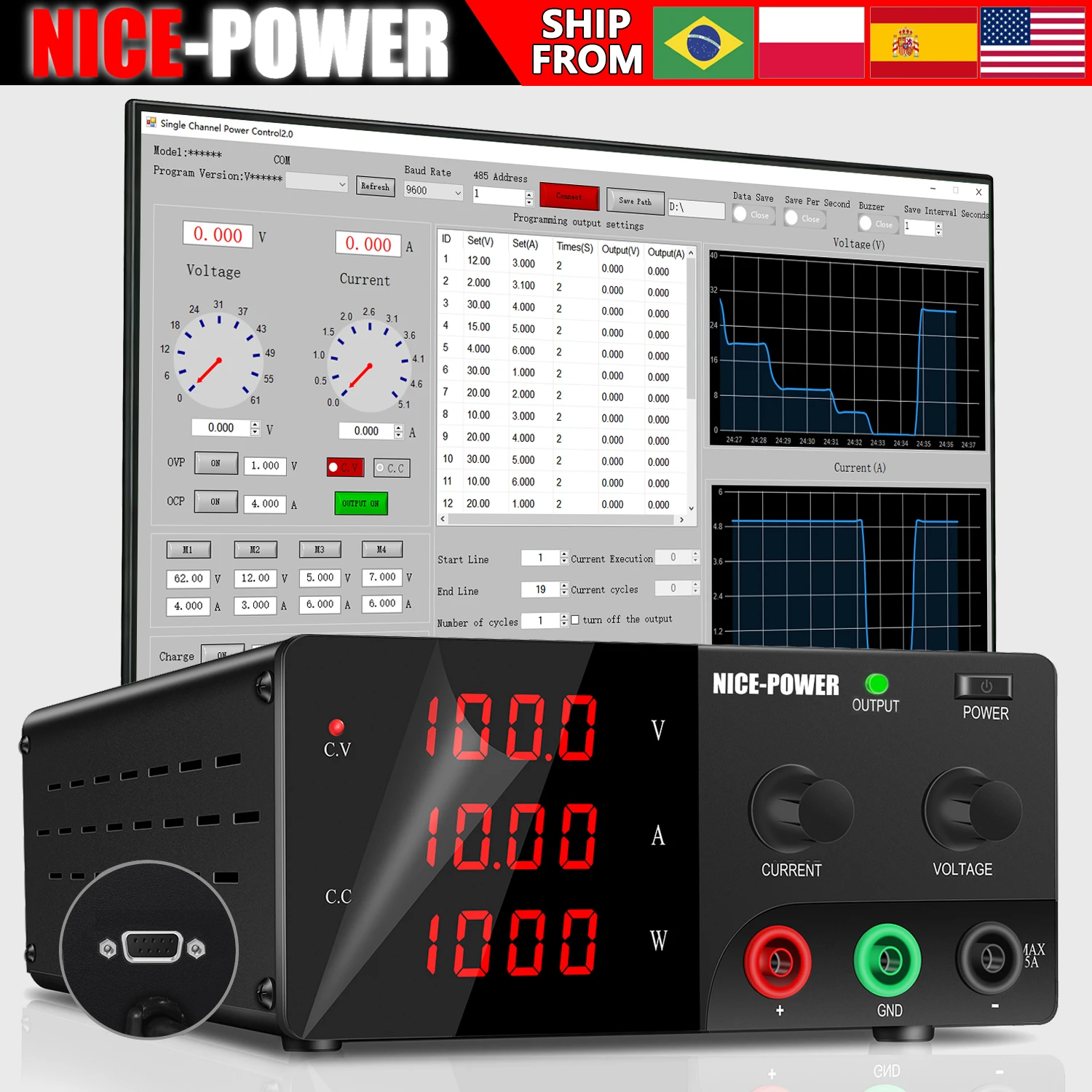
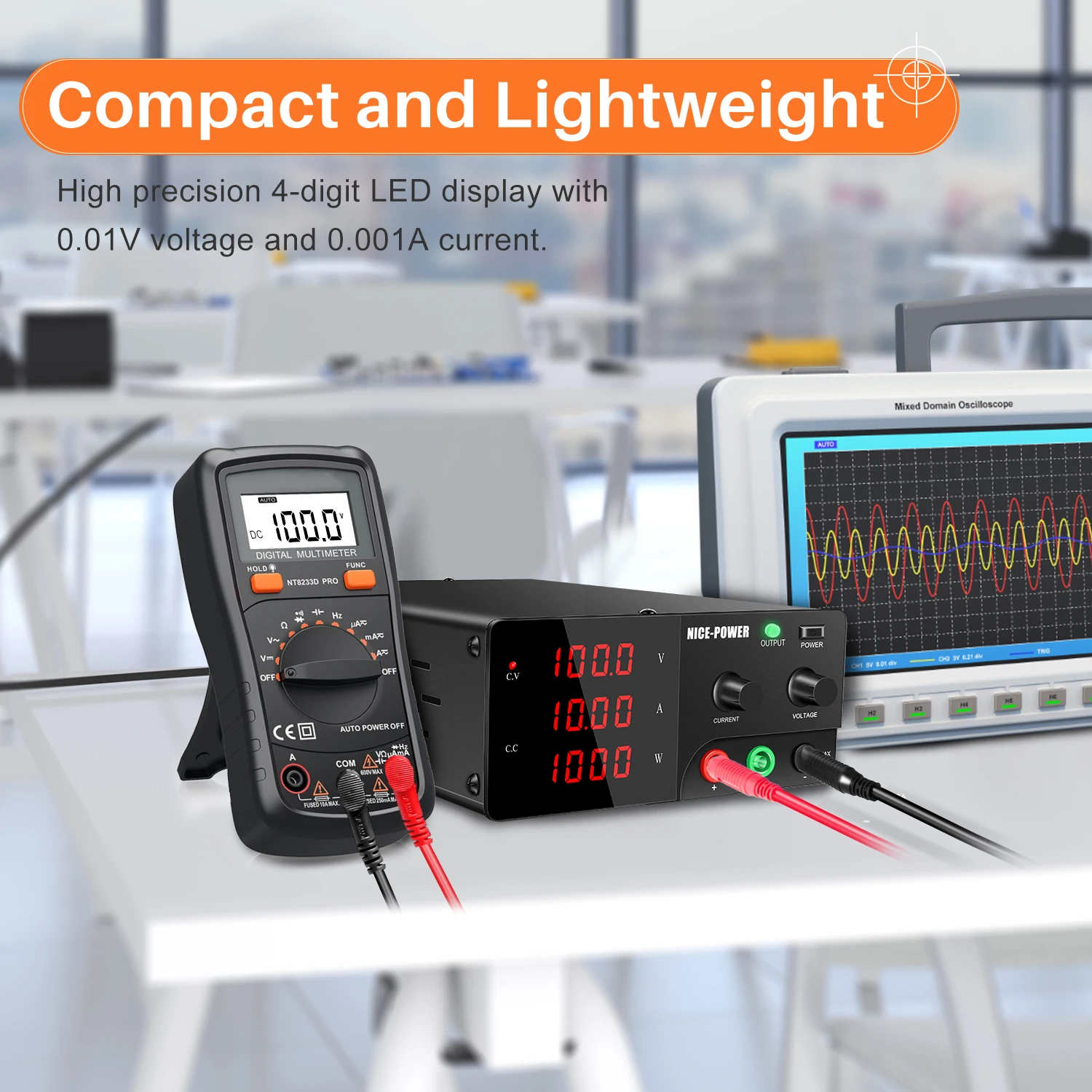
1. Single output, high precision, high reliability, low ripple and noise
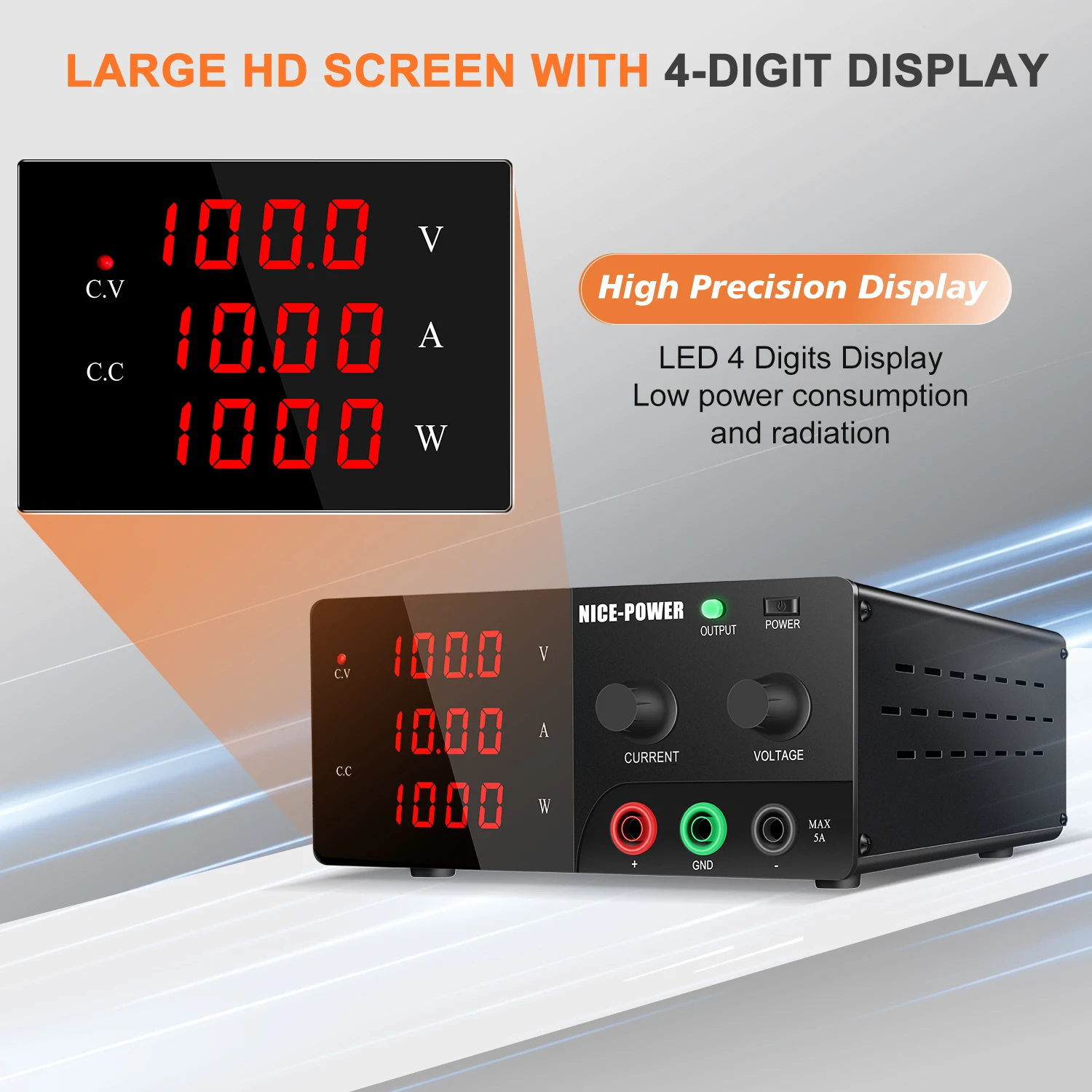
2. LED digital display voltage and current values with mA
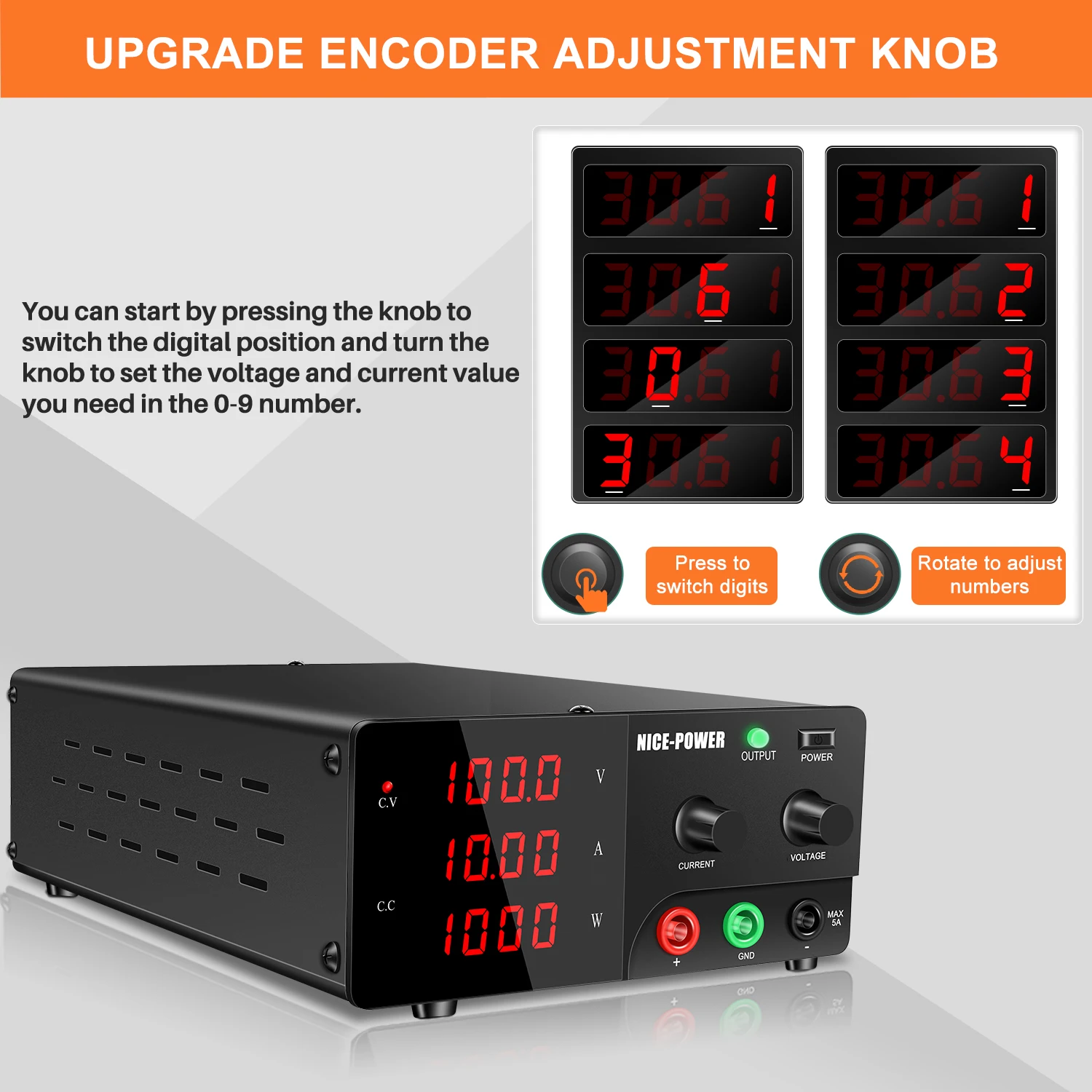
3. With voltage / current coarse adjustment knob, can adjust the voltage / current value accurately
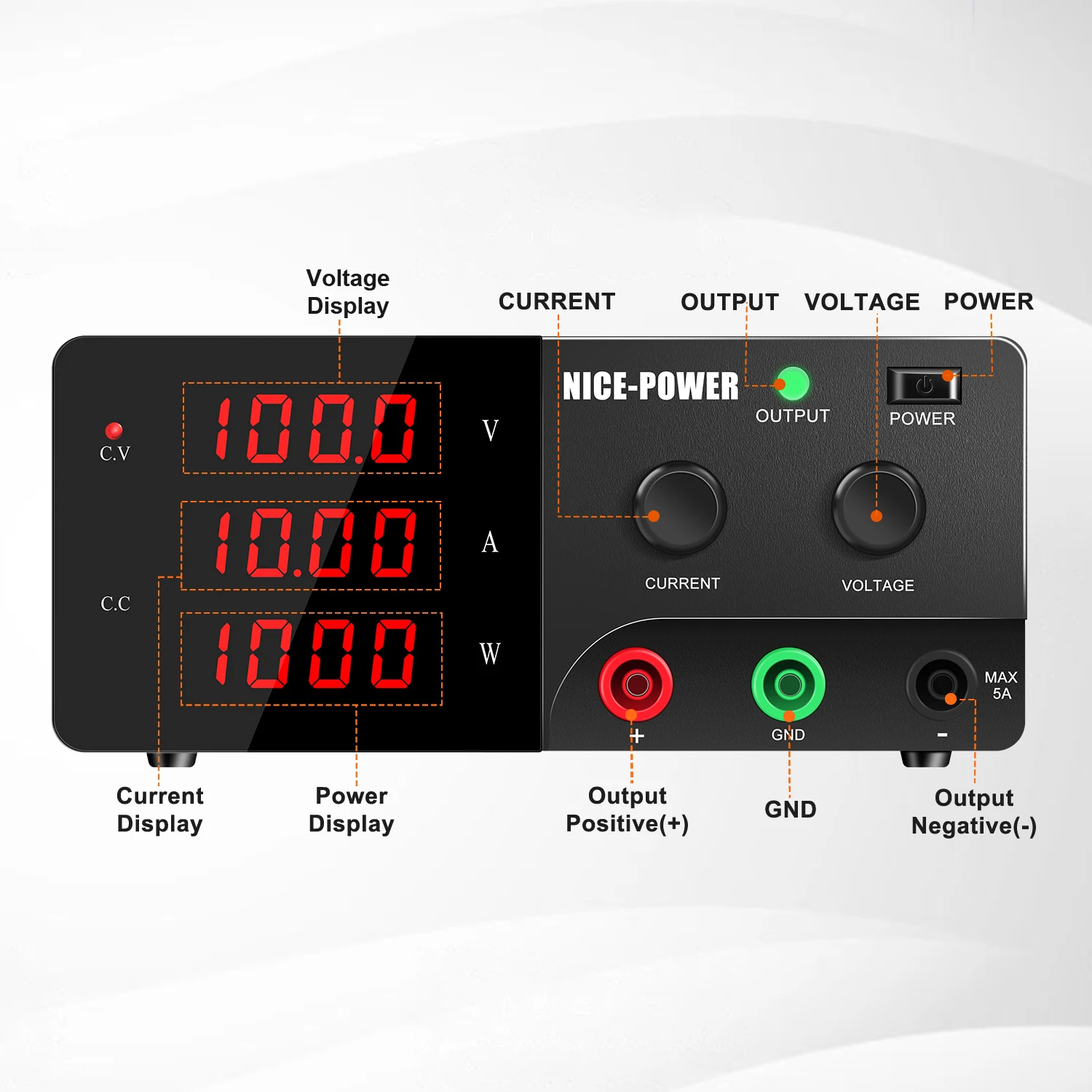
4. Constant voltage constant current operation mode, can be automatically converted
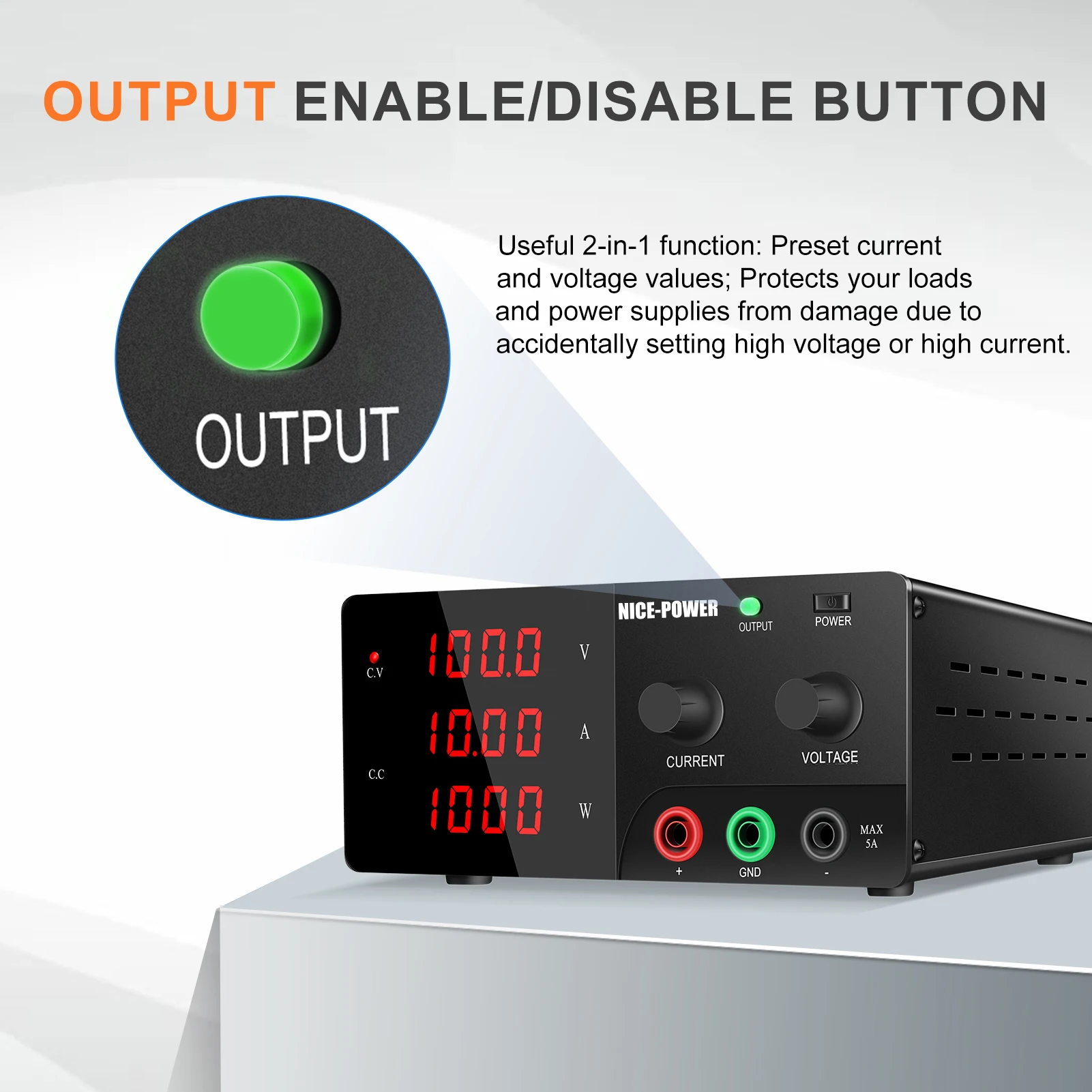
5. With current limiting protection
6. Excellent quality
Application range:
1. For teaching experiments, research
2. Testing and aging for electronic production line products
3. For the repair of communication equipment
4. Other areas that require DC regulated
Technical Parameters
Input voltage: AC220V±10% 50Hz / AC110V±10% 50Hz
Working temperature: -10 ° C -40 ° C Relative humidity <90%
Storage temperature: -10 ° C -70 ° C Relative humidity <80%
Regulated state: Voltage stability ≤ 0.01% + 3mV
Load stability ≤ 0.01% + 5mV
Recovery time ≤100us
Ripple noise ≤1mVrms
Temperature coefficient ≤300PPM/°C
Steady flow state: Current stability ≤ 0.2% + 3mA
Load stability ≤ 0.2% + 3mA
Ripple noise ≤ 3mArms (effective value)Your Packing List Include:1X DC Power Supply1X Power Adapter(EU/AU/UK/US we will send according to you country)1X Black Output Line1X Red Output Line1X Instruction Book (English)1X Pakcgae Box(Hard)2X Protective Sponge1X Certificate of Conformity(1 Year)
Your Packing List include:
1X DC Power Supply
1X Power Adapter(EU/AU/UK/US we will send according to you country)
1X Black Output Line
1X Red Output Line
1X Instruction Book (English)
1X Pakcgae Box(Hard)
2X Protective Sponge
1X Certificate of Conformity(1 Year)
Multiple options available
30V 20A 600W: 0-30V 0-20A Adjustable
30V 30A 900W: 0-30V 0-30A Adjustable
60V 10A 600W: 0-60V 0-10A Adjustable
15V 30A 450W: 0-15V 0-30A Adjustable
100V 5A 500W: 0-100V 0-5A Adjustable
15V 60A 900W: 0-15V 0-60A Adjustable
60V 20A 1200W: 0-60V 0-20A Adjustable
15V 40A 600W: 0-15V 0-40A Adjustable
150V 5A 750W: 0-150V 0-5A Adjustable
100V 10A 1000W: 0-100V 0-10A Adjustable
120V 10A 1200W: 0-120V 0-10A Adjustable
200V 3A 600W: 0-200V 0-3A Adjustable
200V 5A 1000W: 0-200V 0-5A Adjustable
Software Setup and Connection
Connect the product's power cord properly, and use any one of the (USB/RS232/RS485) communication cables to establish a correct connection between the computer and the power supply, ensuring a secure and stable connection.
Launch the host computer software (Single-channel Power Supply Control 2.0).
Refresh the COM ports and select the correct COM port number (incorrect selection will result in communication failure). The port number can be viewed in This PC > Management > Device Manager > Ports (COM & LPT), as shown in the figure on the right.
Select a baud rate of 9600 and the corresponding RS485 address (the address must be consistent with that of the power supply). You can press and hold the VOLTAGE button on the power supply for about 5 seconds to check and set the address.
Click the Connect button with the mouse. After a successful connection, the button will turn red, the power supply will switch to Remote Mode, and all local physical buttons will become inoperable.
If the connection fails, verify that the communication COM port, RS485 address and baud rate are selected correctly. For RS485 communication, additionally check that the (A/B/GND) wiring connection is correct.
If the product model is not automatically recognized after clicking Connect, follow the on-screen prompt: click Yes and select the actual product model in use from the product model drop-down list.
Once the communication connection is successfully established, remote operations on the power supply can be performed via the software.
To switch back to local operation, click the Disconnect button or power off and then restart the power supply. (Note: When the power supply output is enabled, clicking Disconnect to switch to Local Mode will allow the power supply to maintain normal output. However, if the output is enabled in Local Mode, the host computer will send a default command to turn off the output automatically when a communication connection to the power supply is established.)
Stable Output
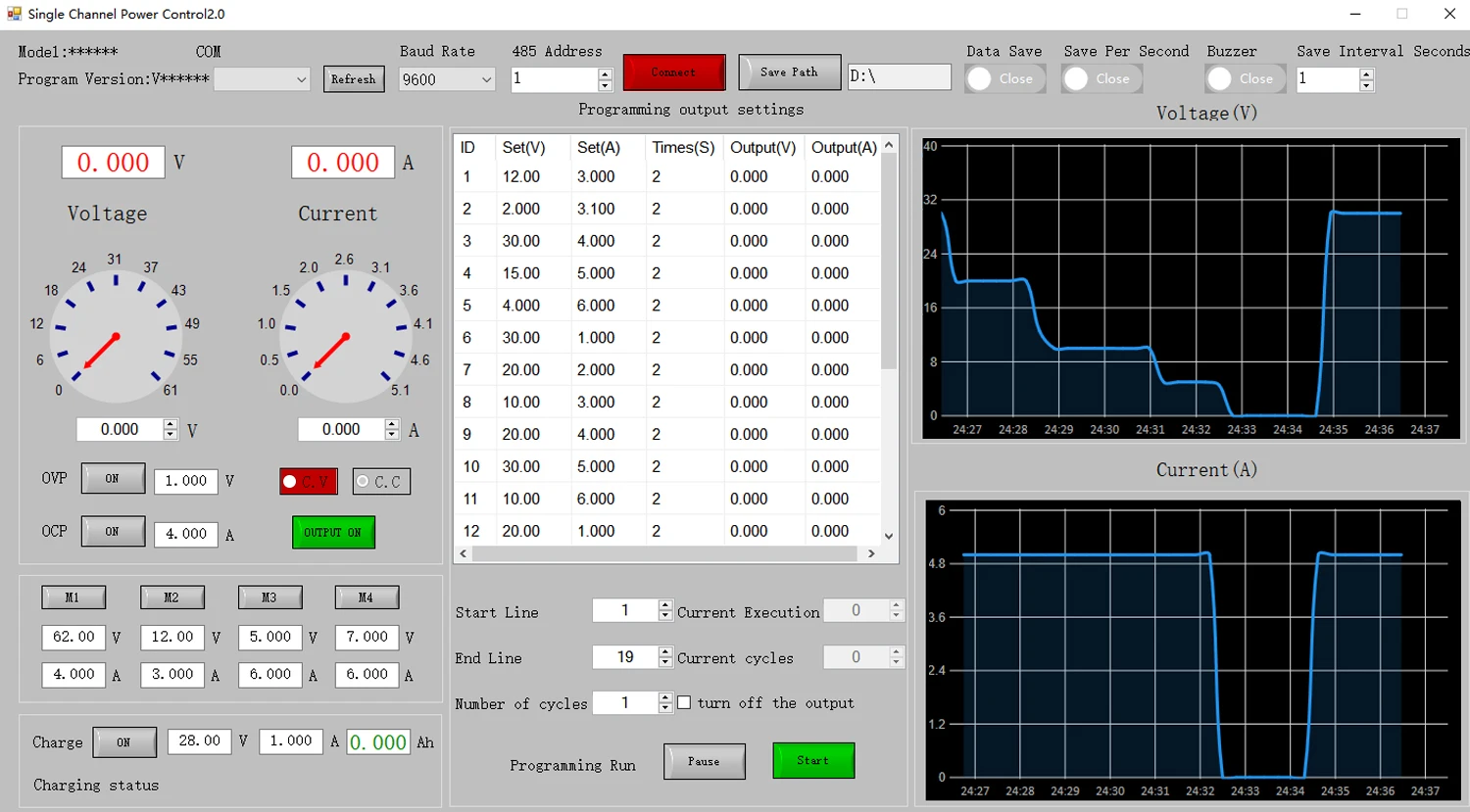
Enter the voltage/current values required for the test in the V/A section (in the blue box of Figure 1). Click Output On (the button turns green), and the power supply will output the set voltage with the voltage curve displaying the actual output voltage value. Click Output Off to cut off the output.
The green box of Figure 2 shows the real-time output voltage and current data (the current is displayed in mA when the load is less than 100mA, as shown in Figure 3; the unit switches to A when the load current is 100mA or higher).
The power supply automatically switches between CV/CC modes based on the output load (the CV indicator turns red for Constant Voltage mode, and the CC indicator turns red for Constant Current mode).
Voltage/Current Curve Function
The Voltage (V) section displays the real-time curve of the power supply's output voltage and automatically adapts to the corresponding voltage gear based on the output voltage level (the curve defaults to a minimum voltage gear of 1V for adaptive adjustment, as shown in Figure 1).
The Current (A) section displays the real-time curve of the load-side current and automatically adapts to the corresponding current gear based on the output current level (the curve defaults to a minimum current gear of 1mA for adaptive adjustment. The current unit is displayed in mA when the load is less than 100mA, as shown in Figure 3; the unit switches to A when the load current is 100mA or higher, as shown in Figure 4).
Questions & Answer
Q 1:The current knob has been turned,why can't the current be adjusted?
A 1:You must connecte a load and the voltage setting cannot be 0, and then the current is adjusted
Q 2:Why isn't the cooling fan working?
A 2:We installed a smart cooling fan with a built-in temperature control sensor that turns on when the temperature reaches 50 degrees Celsius.
Q 3:I can't choose the input voltage 220V or 110V?And the EU/AU/US/UK plug ?
A 3:We will send the corresponding products and plug according to your country, if you have
special needs, please contact us, we will send the correct products to you.
Q 4:Scratches on the screen?
A 3:There is a protective film on the screen that can be peeled off.
Shipping
We will send your package within one day and one day delay on weekends
Warranty & Return Policy
One year warranty
Contact us
1.Please Contact us via AliExpress message center at the first time with any trouble of items.
2.Looking forward to leave us 5-star positive feedback after you receive your item. It will encourage us to provide more perfect items and service.

Reviews
There are no reviews yet.